Bundles save up to 25%. See every bundle

Code Boss
Dark

Full screen

What it does

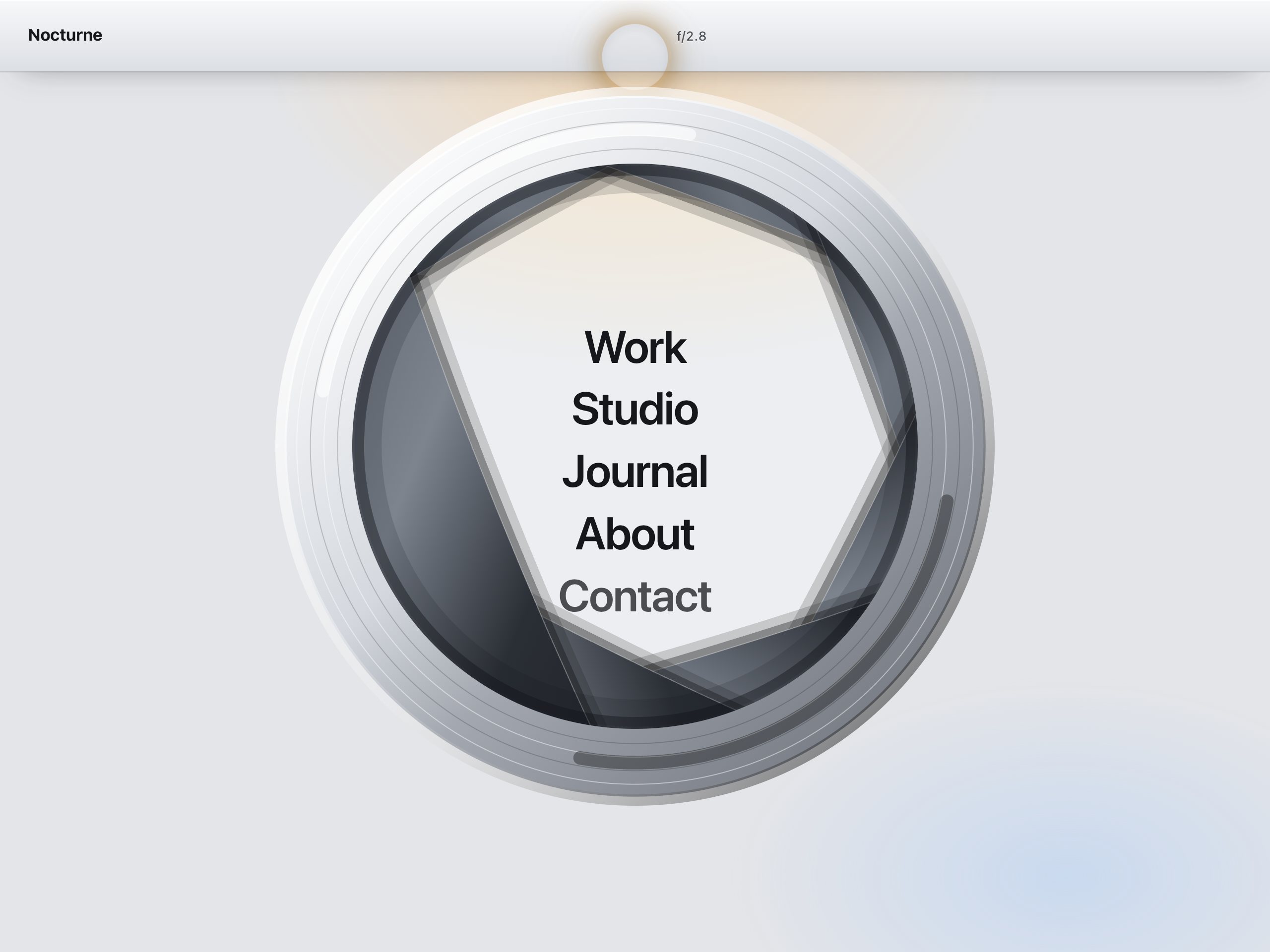
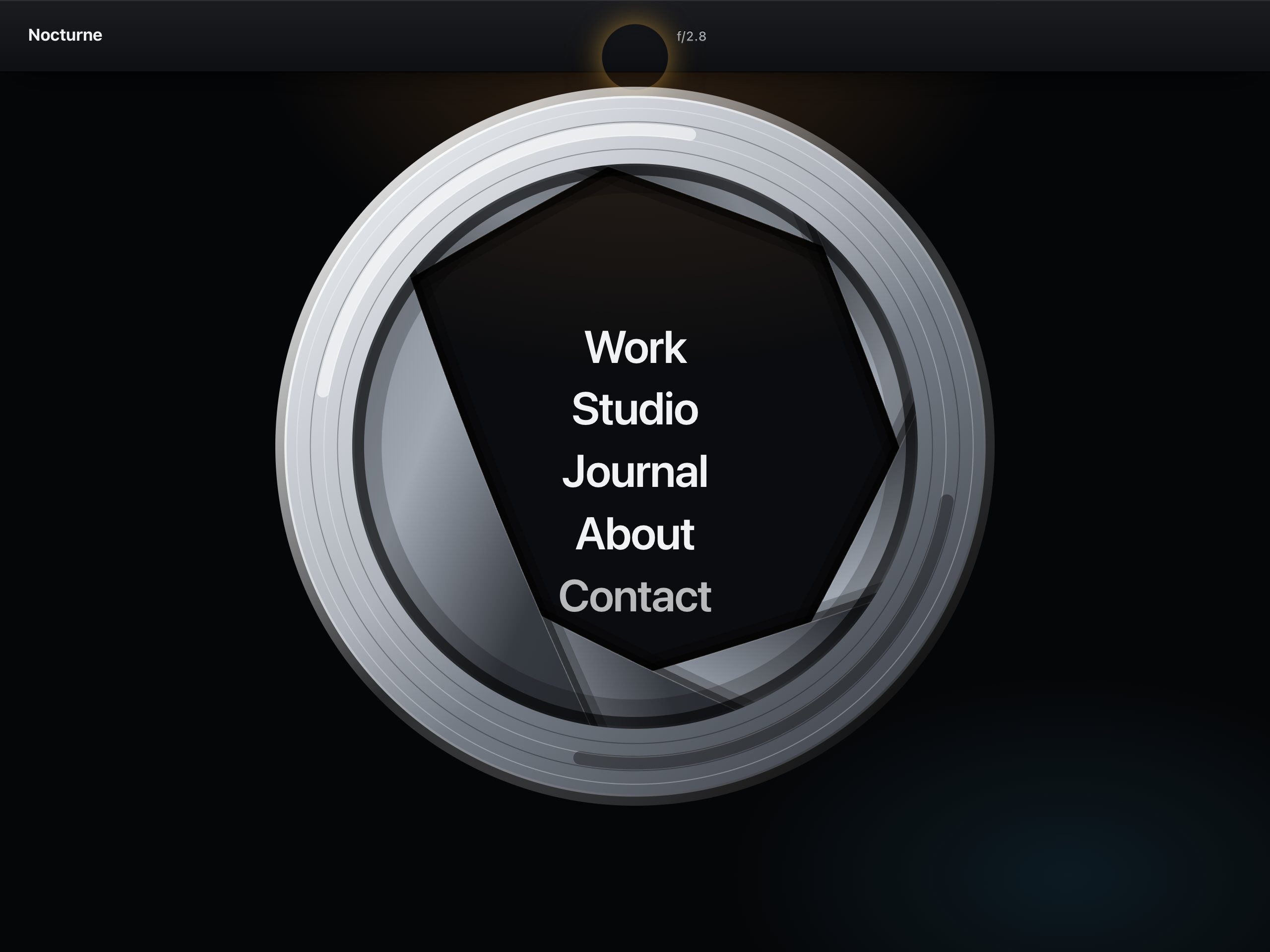
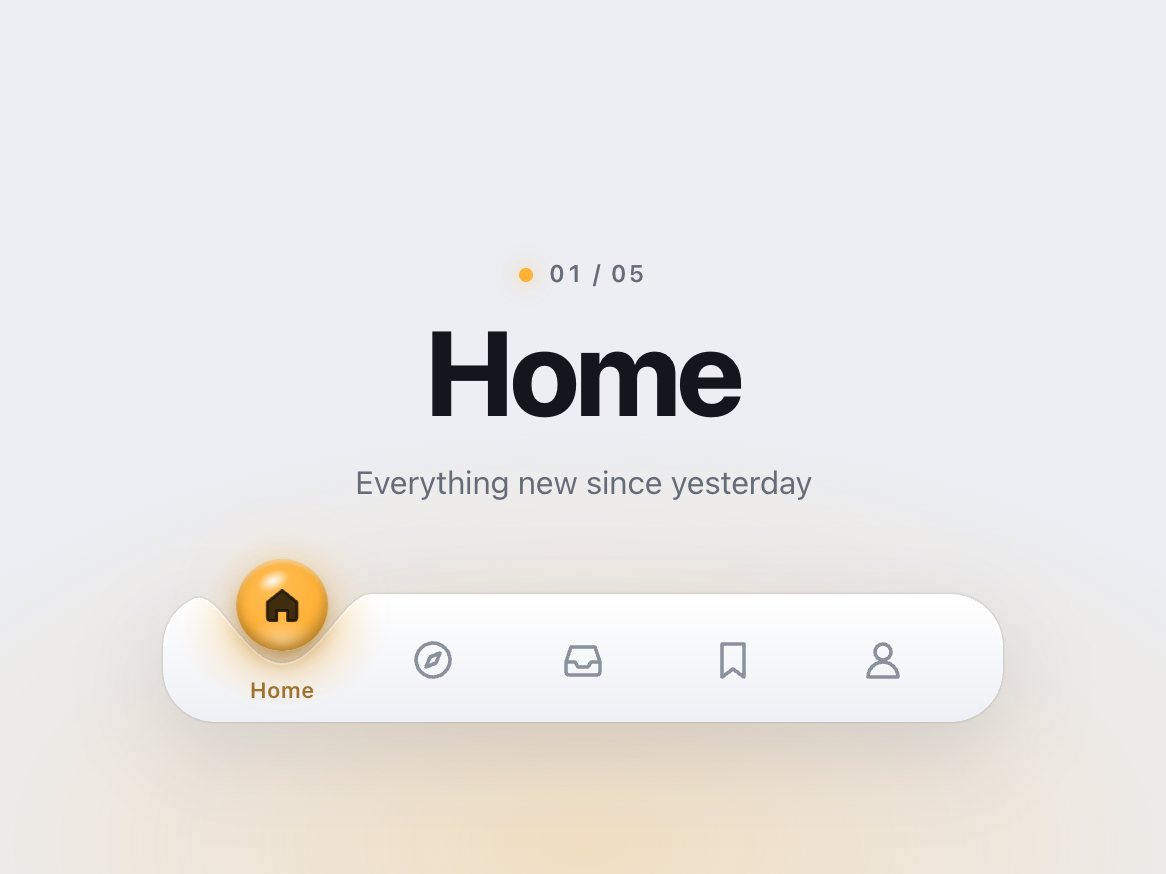
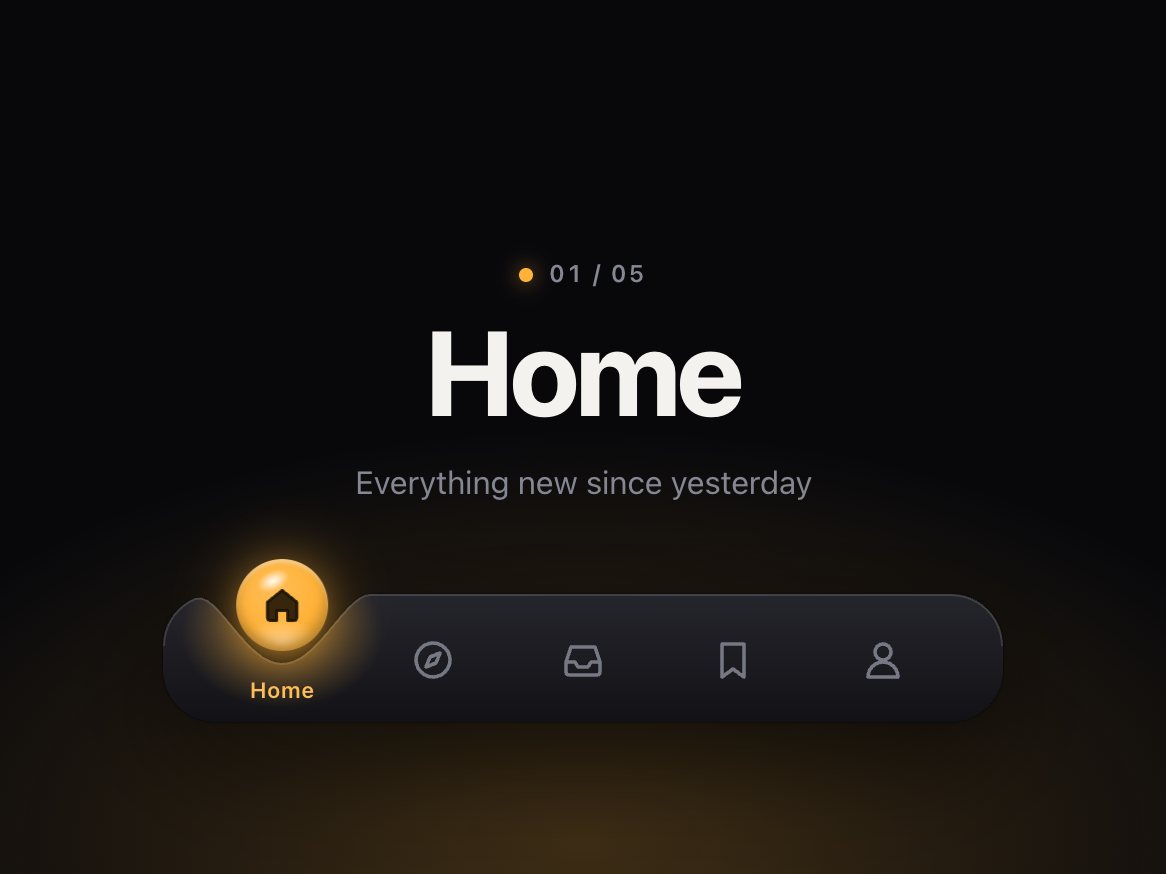
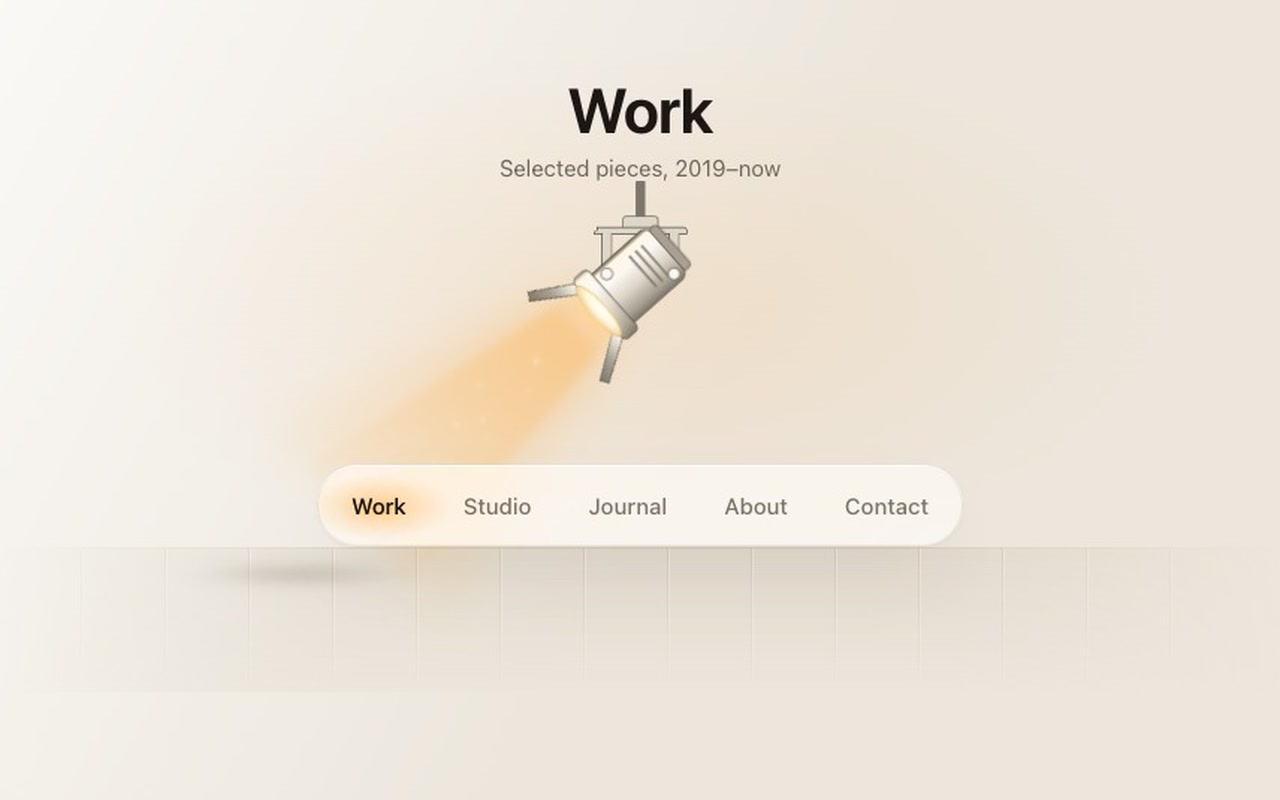
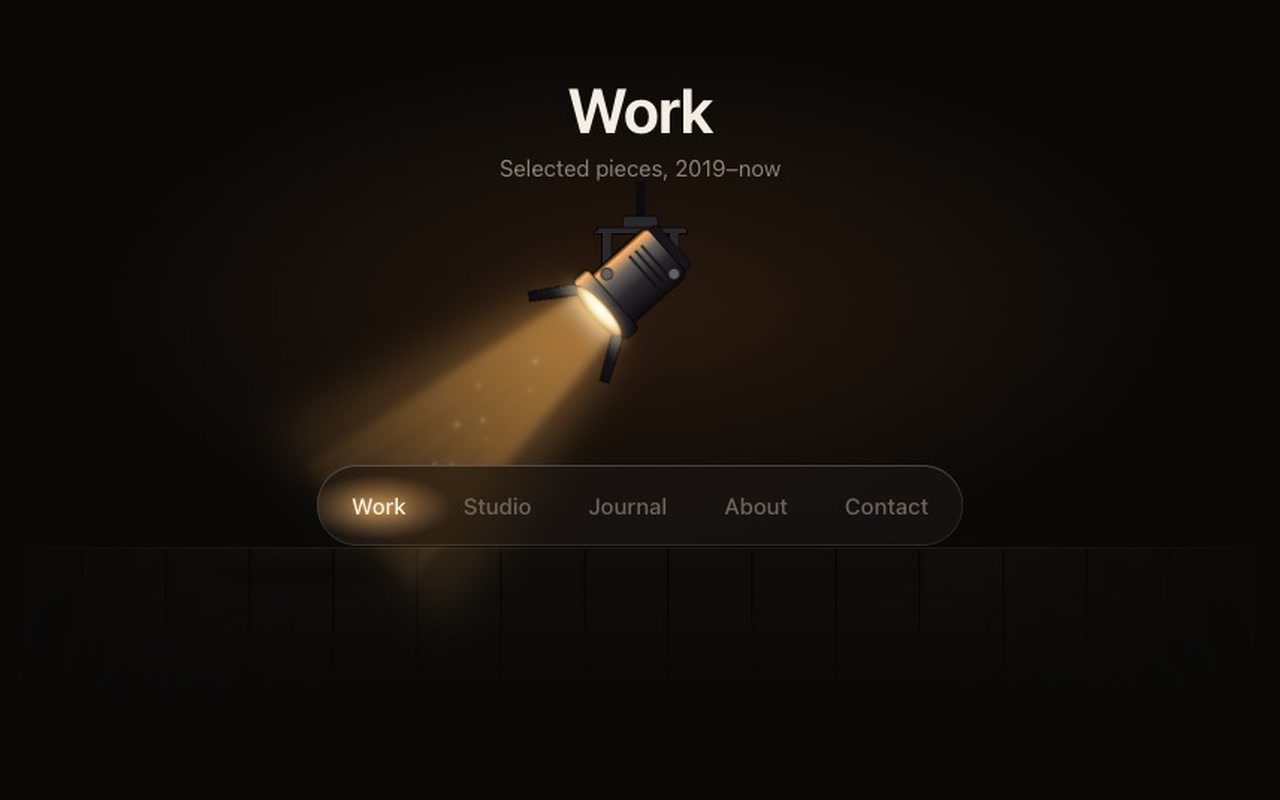
A site navigation built as a small stage. A Fresnel lamp hangs above a floating glass bar of links. Choose a link and the lamp head turns in its yoke to aim at it; the beam turns with it, opens a little while it moves and closes again as it lands. The light washes over the row on the way: every link brightens and dims as the cone crosses it, with a warm halo on the one it stops on. On arrival the lamp strikes, with a quick double flicker of the lens and a few motes of dust drifting up through the beam. The bar throws a soft shadow on the floor that leans away from the lamp. You can also press and drag along the bar: the lamp aims at your finger or pointer as you move, the light passes over the links live, and on release it swings to the nearest link and strikes. A quick flick moves one link.

Good for
Studio, agency and portfolio sites, theatres, galleries, photographers, event and festival pages, any site that wants one memorable header.
How it works
The links are real <a> elements in a <nav>, the lamp is inline SVG and the beam is two blurred gradient cones that share the lamp's pivot. One spring drives the whole sweep each frame, so a second click mid-sweep redirects the lamp without a jump. While you drag, the pointer drives the same angle directly; on release its speed is handed to the spring, so there is no seam. Past the end links the beam resists and springs back. Pointer Events with mouse and touch; vertical swipes still scroll the page. A plain click turns the lamp and follows the link when it strikes.
How to use
Copy two files, paste the markup, change the link text and hrefs. Pass followLinks: false and an onChange to route it yourself in a single-page app.

Specs

Price
$12, one payment
Version
1.0.0
Code size
10 KB gzipped
Dependencies
None
Built with
HTML, CSS, JavaScript, SVG
Category
Navigation
Licence
Unlimited personal and client projects
In the zip
  • fresnel.css fresnel.jsthe component
  • index.htmla plain example page
  • README.md package.json vite.config.js LICENSE.md

Use it in your project

  1. Copy fresnel.css and fresnel.js into your project.
  2. Add the markup from index.html (the block between the COMPONENT comments). Keep the lamp SVG and the beam: they are the mechanism, not decoration. Change the links' text and href as you like, 4 to 6 links fit best.
  3. Start it:
import { init } from './fresnel.js';
const nav = init(document.querySelector('.fresnel'), {
  onChange: (index, href) => console.log(index, href),
});

Mark the current page's link with aria-current="page"; the lamp starts there. A plain click turns the lamp first and follows the link when the lamp strikes on it (about 0.35–0.4 s after the click). Cmd/Ctrl/Shift-clicks, middle clicks, target="_blank" and download links go straight to the browser.

Questions

What exactly do I get?

The full source, an example page and a README. No account, no framework.

Can I use it in client projects?

Yes, in unlimited projects. You can't resell or share the source itself.

Does it work with my own links?

Yes. Any number of links from 3 to 6 fits the bar; the lamp measures the real positions, so it aims correctly whatever the text says.

Does it navigate?

A normal click turns the lamp and then follows the href when the lamp strikes, about 0.4 s later. A drag navigates only after you let go. Modifier clicks, middle clicks and target="_blank" links go straight to the browser. Set followLinks: false to handle routing yourself.

Is it accessible?

Real links, Tab and Enter, aria-current="page" on the current page, a visible focus ring, 44px targets. With reduced motion there is no sweep: the old link dims and the new one lights in a short crossfade.

Can I change the light?

Yes. The beam colour, its brightness and width, the halo, the hot spot, the floor shadow, the lamp housing and the lens are all custom properties on the component.

Light and dark?

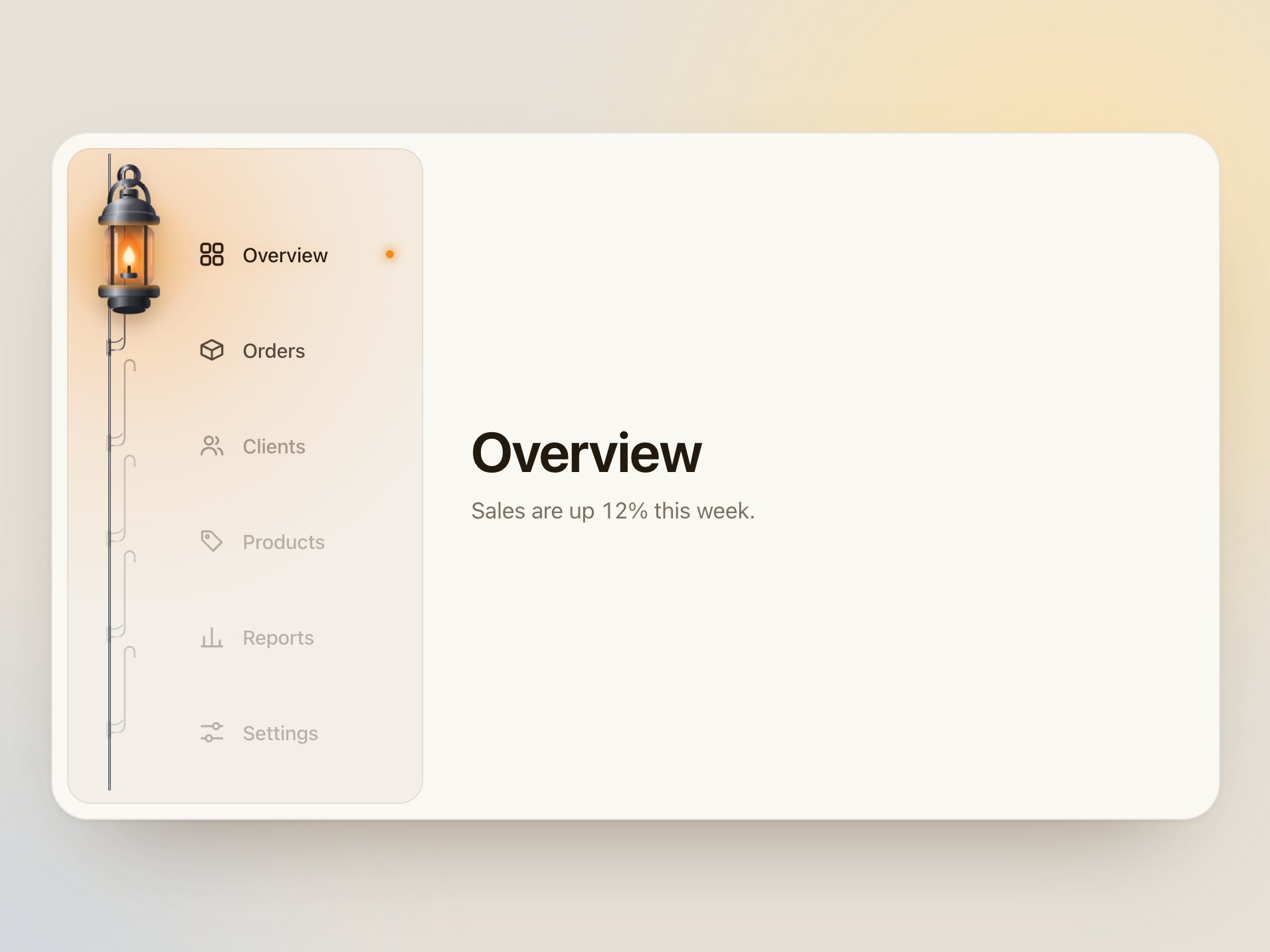
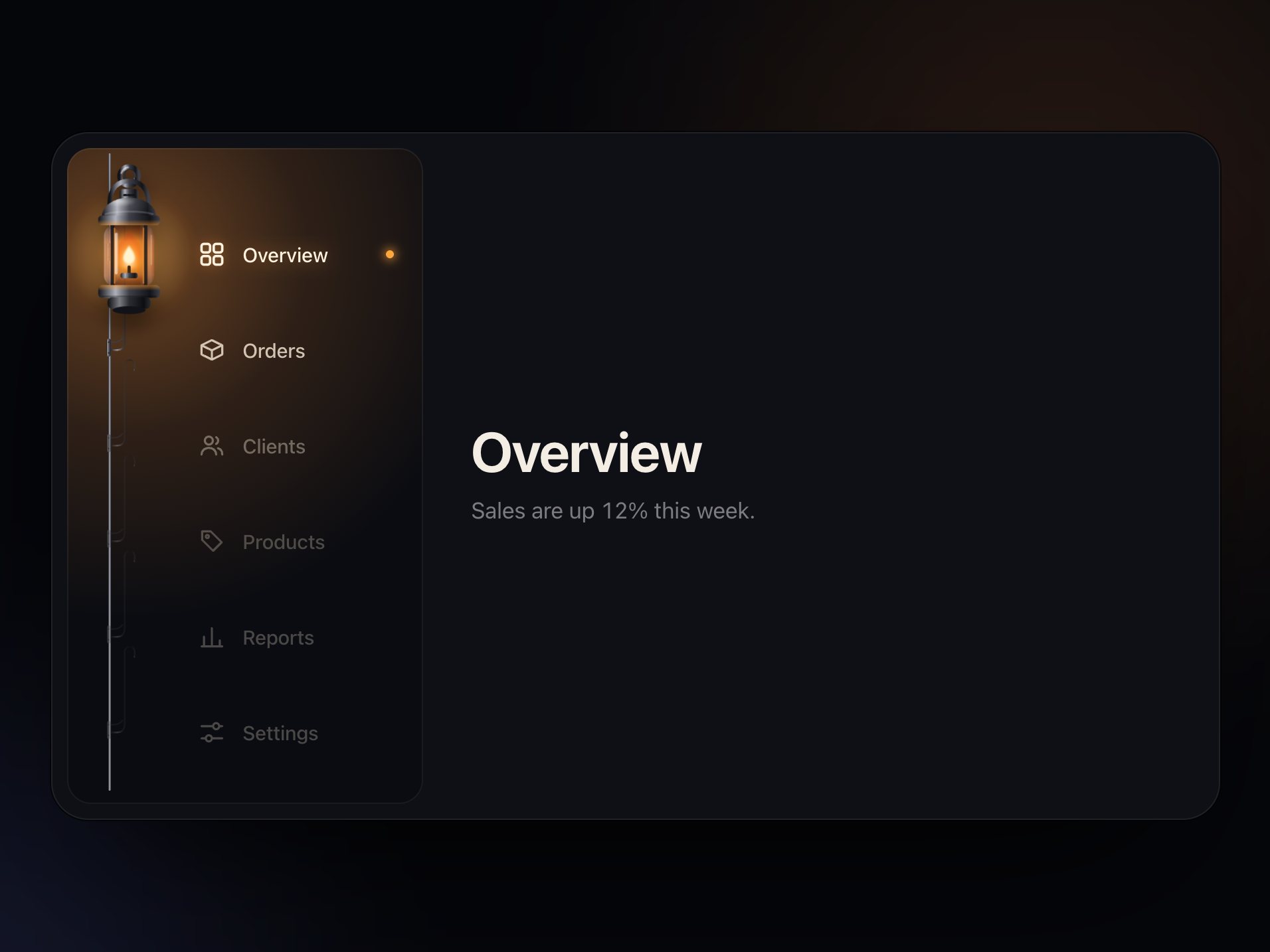
Both are designed: an enamel lamp with a soft warm wash in a daylight rehearsal room, a black-metal lamp with a tungsten beam on a dark stage.

Phones?

Works from 320px. The links shrink and the bar scrolls sideways; the beam still aims at the chosen link. Drag and flick work with touch; holding a drag near the bar's edge scrolls it.

Can I turn the dragging off?

Yes, drag: false. Clicks and keyboard work either way.

What if it doesn't work for me?

If it doesn't work like the demo, you get a refund within 14 days.

Still have a question? Email us. The person who made it answers.

Your cart

Your cart is empty. Browse components

Full screen