Bundles save up to 25%. See every bundle

Code Boss
Dark
This picker is Pinch

Full screen
See Tuck in your colourBlue

What it does

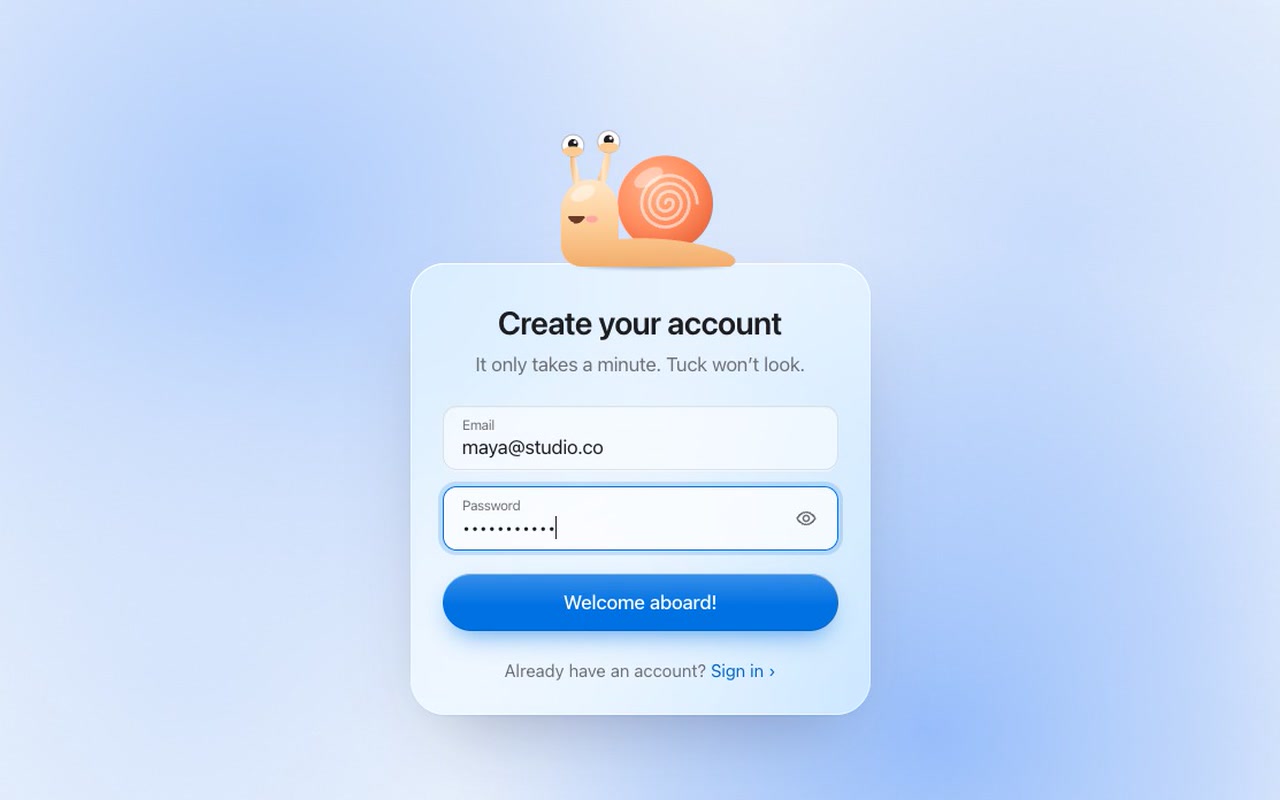
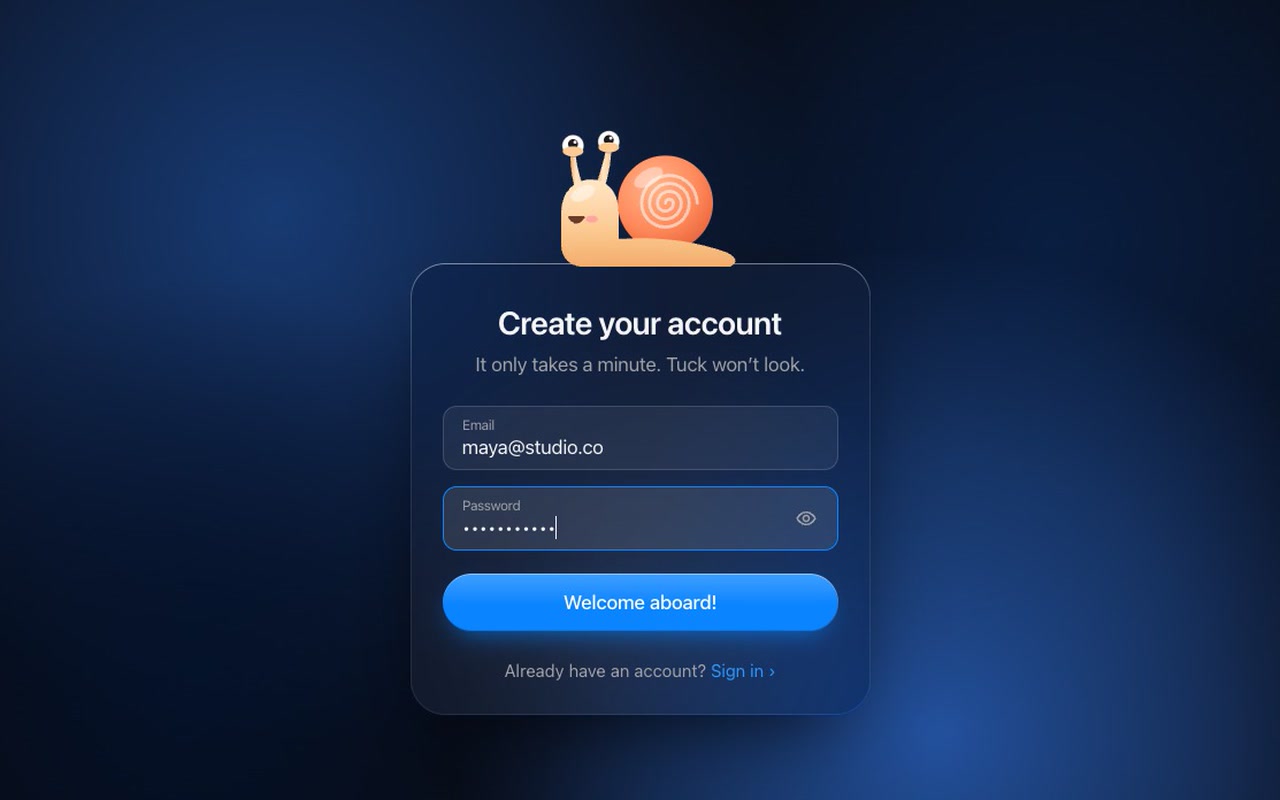
A liquid-glass sign-up card, Apple-style, with a snail sitting on top and a soft single-colour scene drifting behind it. The snail watches you type your email, pulls its eyes into its head when you type your password, and peeks with one eye if you show it.

Good for
SaaS and app sign-up pages, kids' and education products, playful brands, waitlists.
How it works
Tuck reacts to the form, not to a timer. It follows the pointer when idle, follows the caret while you type, hides on the password field, peeks when the password is shown, frowns on errors and hops when you sign up. The background breathes with it: it dims while Tuck hides and brightens on success. One CSS variable sets its colour.
Includes
Three screens — create account, sign in (with “Forgot password?”) and reset password.
How to use
Copy two files and the markup, then pass an onSubmit function that calls your API. Throwing an error makes Tuck frown and shows the message.

Specs

Price
$29, one payment
Version
1.1.0
Code size
10.6 KB gzipped
Dependencies
None
Built with
HTML, CSS, JavaScript, SVG
Category
Form
Collection
Mascot Forms
Screens
Sign up, Sign in, Reset password
Licence
Unlimited personal and client projects
In the zip
  • tuck.css tuck.jsthe component
  • index.html sign-in.html reset.htmlthe three screens with the inline SVG snail
  • mascot.jsthe engine behind the eyes, moods and form
  • README.mdmoods, setup, options, colours, React notes
  • package.json vite.config.js LICENSE.md

Use it in your project

  1. Copy tuck.css, tuck.js and mascot.js into your project.
  2. Copy the markup from index.html (the block between the COMPONENT comments), including the inline SVG.
  3. Start it and send the data to your backend:
import { init } from './tuck.js';
const tuck = init(document.querySelector('.tuck'), {
  onSubmit: async ({ email, password }) => {
    const res = await fetch('/api/signup', { method: 'POST', body: JSON.stringify({ email, password }) });
    if (!res.ok) throw new Error('That email is already registered');
  },
});

If onSubmit throws, Tuck frowns and the error message is announced. To put the message under a field, name it: throw Object.assign(new Error('Wrong password'), { field: 'password' }). If it resolves, Tuck hops.

Questions

What exactly do I get?

The full source, the SVG character, a demo page and a README. No account, no framework.

Can I use it in client projects?

Yes, in unlimited projects. You can't resell or share the source or the character on their own.

Can I change the colours to match a brand?

Yes. The skin, shell, cheeks and button are all CSS variables.

Can I add fields like a name?

Yes. Add another input, and Tuck looks at it too.

Is it accessible?

It's a real form with labels, error messages linked to fields, and announcements. The snail is decorative and hidden from screen readers.

What if it doesn't work for me?

If it doesn't work like the demo, you get a refund within 14 days.

Still have a question? Email us. The person who made it answers.

Your cart

Your cart is empty. Browse components

Full screen