index.html
<nav class="zipper" aria-label="Menu">
  <button class="zipper-pull" type="button" aria-expanded="false" aria-controls="zipper-links" aria-label="Menu">
    <span class="zipper-slider"></span>
    <span class="zipper-bail"></span>
    <span class="zipper-tag"></span>
  </button>
  <div class="zipper-body">
    <div class="zipper-lining"></div>
    <ul class="zipper-links" id="zipper-links">
      <li class="zipper-item"><a class="zipper-link" href="#home">Home</a></li>
      <li class="zipper-item"><a class="zipper-link" href="#shop">Shop</a></li>
zipper.css
.zipper-link {
  position: relative;
  display: inline-block;
  padding: 2px 8px;
  margin: -2px -8px;
  border-radius: 8px;
  color: var(--zipper-ink);
  text-decoration: none;
  font: 600 var(--zipper-link-size)/1.2 var(--zipper-font);
  letter-spacing: -.012em;
  white-space: nowrap;
zipper.js
export function init(root, { onOpen, onClose, onSelect, threshold = 0.4 } = {}) {
  const $ = s => root.querySelector(s);
  const body = $('.zipper-body');
  const pull = $('.zipper-pull');
  const slider = $('.zipper-slider');
  const tag = $('.zipper-tag');
  const list = $('.zipper-links');
  const items = [...root.querySelectorAll('.zipper-item')];
  const links = [...root.querySelectorAll('.zipper-link')];
  const teethBox = $('.zipper-teeth');
const flaps = ['l', 'r'].map(s => ({Zipper
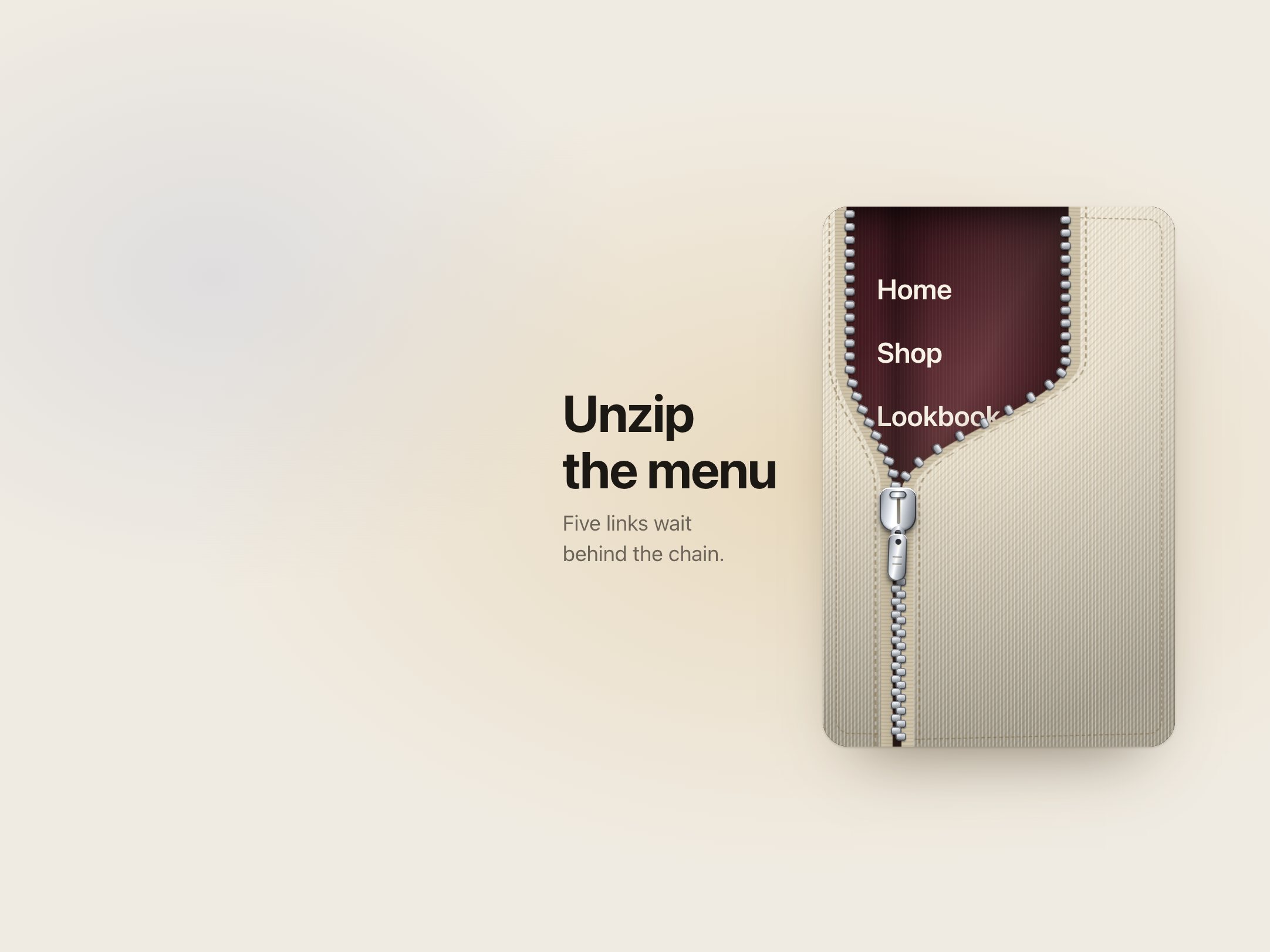
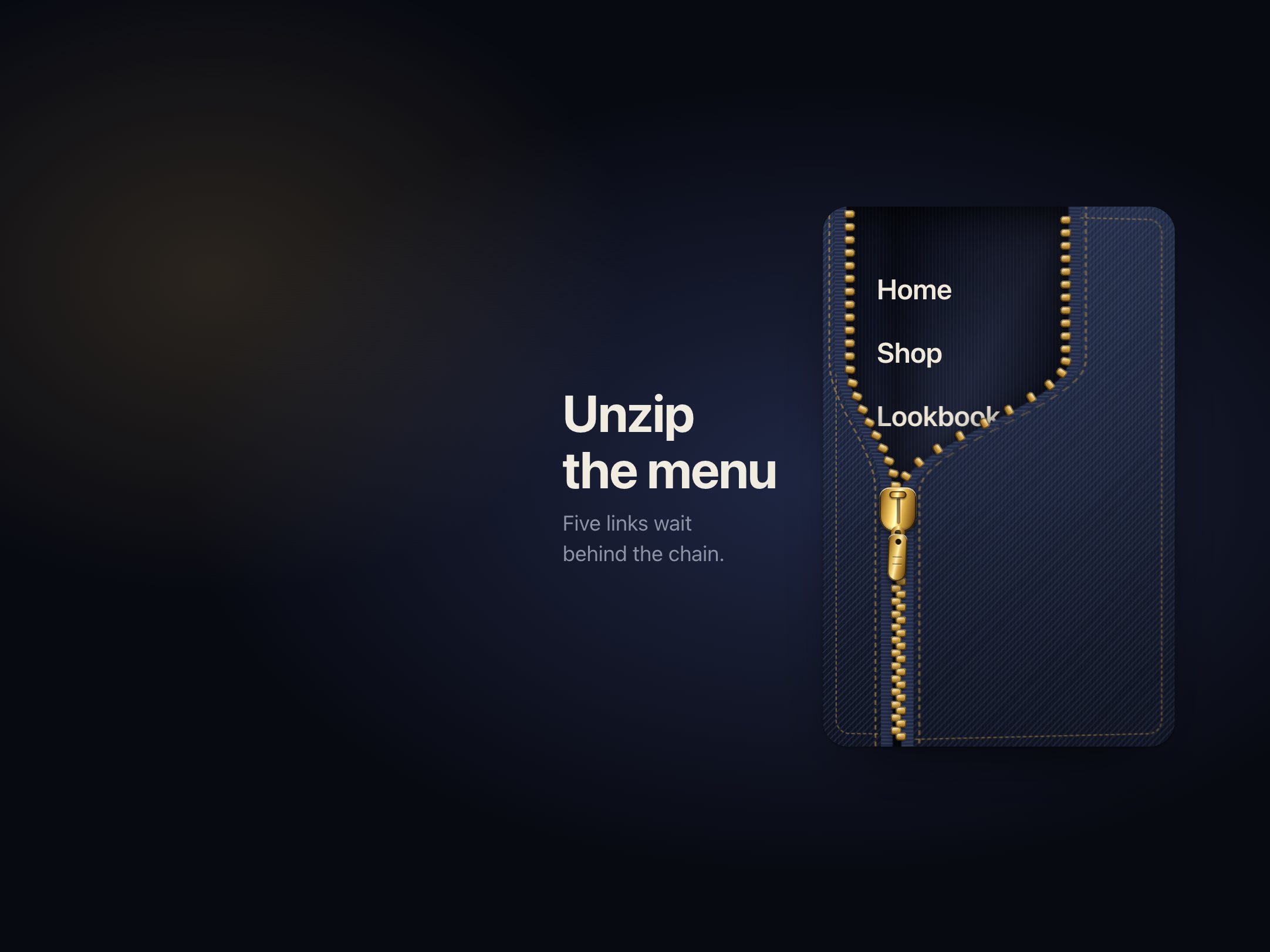
$15A side menu you unzip: drag the pull down and the teeth part to reveal the links
9.8 KB0 depsNavigation