Bundles save up to 25%. See every bundle

Code Boss
Dark

Full screen
See Pocket in your colourBlue

What it does

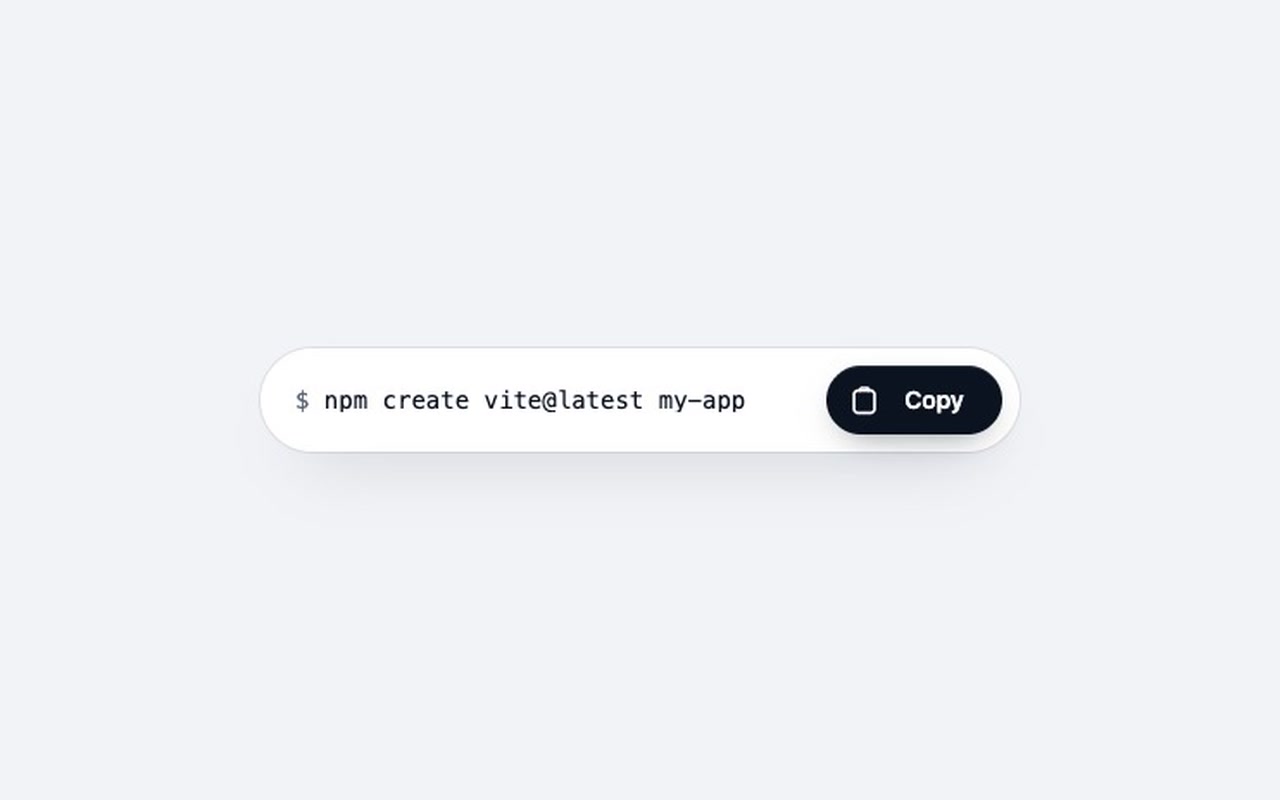
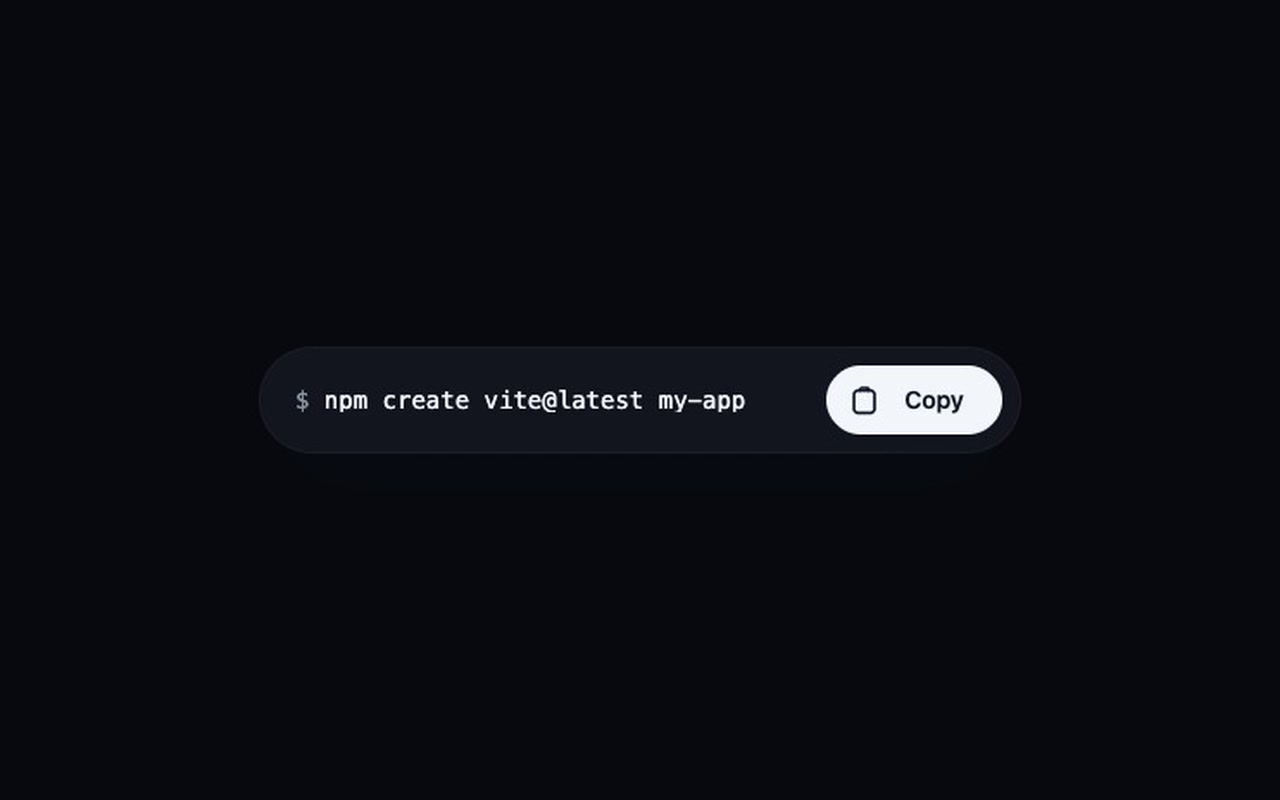
A copy-to-clipboard button for code snippets, API keys, coupon codes or links. When you click it, the word "Copy" flies into the clipboard icon, the clipboard catches it with a small dip, and a check mark is drawn.

Good for
Docs sites, developer tools, dashboards that show API keys, coupon and referral pages.
How it works
Set data-copy or point data-copy-target at an element. One click copies the text, plays the animation and returns to "Copy" after 1.6 seconds.
How to use
Copy two files, paste the button, call initAll().

Specs

Price
$5, one payment
Version
1.0.0
Code size
2.5 KB gzipped
Dependencies
None
Built with
HTML, CSS, JavaScript
Category
Button
Licence
Unlimited personal and client projects
In the zip
  • pocket.css pocket.jsthe component
  • index.htmla plain example page
  • README.md package.json vite.config.js LICENSE.md

Use it in your project

  1. Copy pocket.css and pocket.js into your project.
  2. Add the markup from index.html (the block between the COMPONENT comments).
  3. Say what to copy, then start it:
<button class="pocket" data-copy="npm i my-package">…</button>
<!-- or copy the text / value of another element -->
<button class="pocket" data-copy-target="#api-key">…</button>
import { init, initAll } from './pocket.js';
initAll();                                   // every .pocket on the page
init(el, { text: () => editor.getValue() }); // or pass the text in code

Questions

What exactly do I get?

The full source, a demo page and a README. No account, no framework.

Can I use it in client projects?

Yes, in unlimited projects. You can't resell or share the source itself.

Does it work in older browsers?

It uses the Clipboard API and falls back to the older copy command.

What if copying fails?

The button shakes and announces "Copy failed" to screen readers.

What if it doesn't work for me?

If it doesn't work like the demo, you get a refund within 14 days.

Still have a question? Email us. The person who made it answers.

Your cart

Your cart is empty. Browse components

Full screen