Bundles save up to 25%. See every bundle

Code Boss
Dark

Full screen

What it does

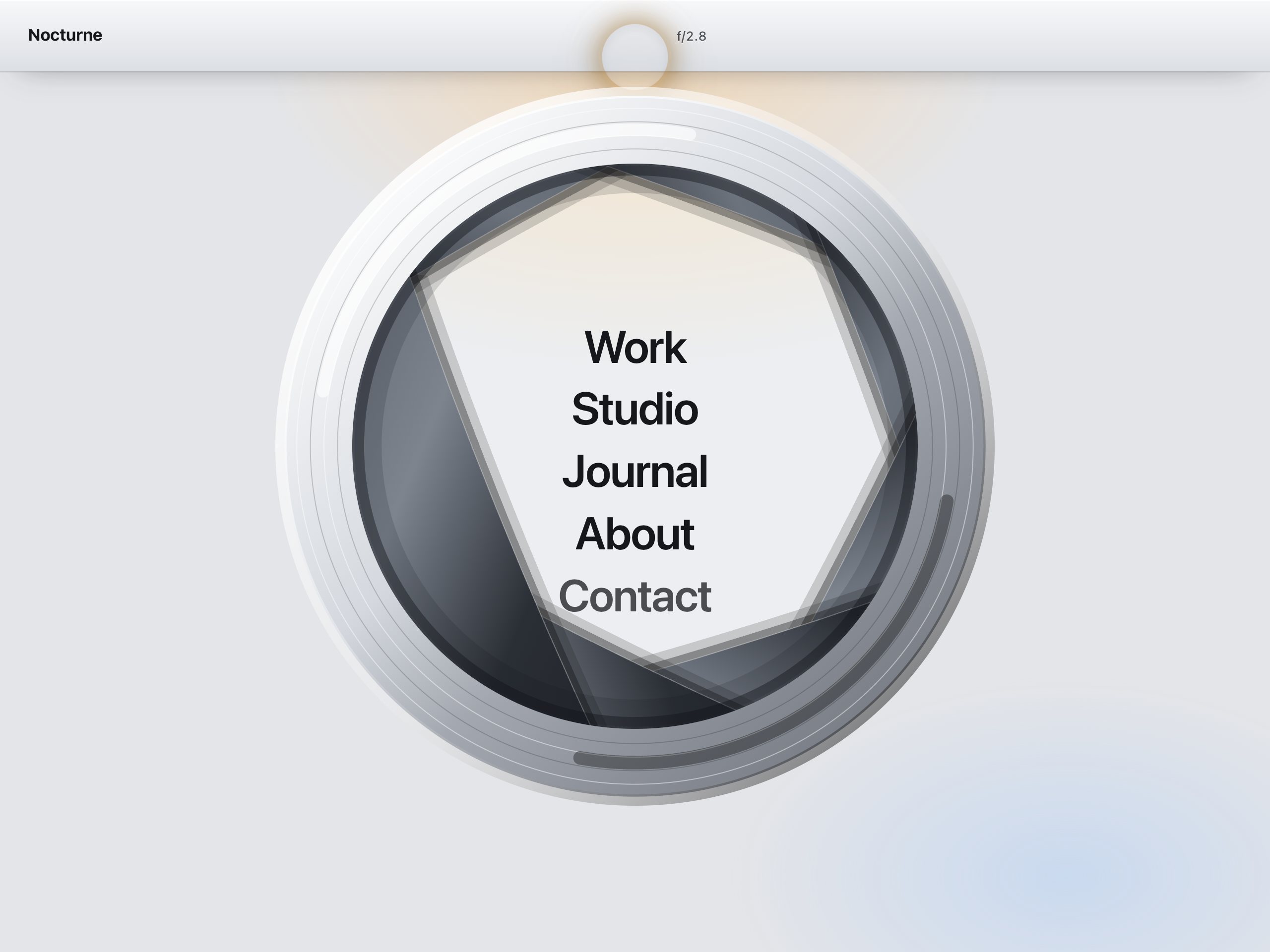
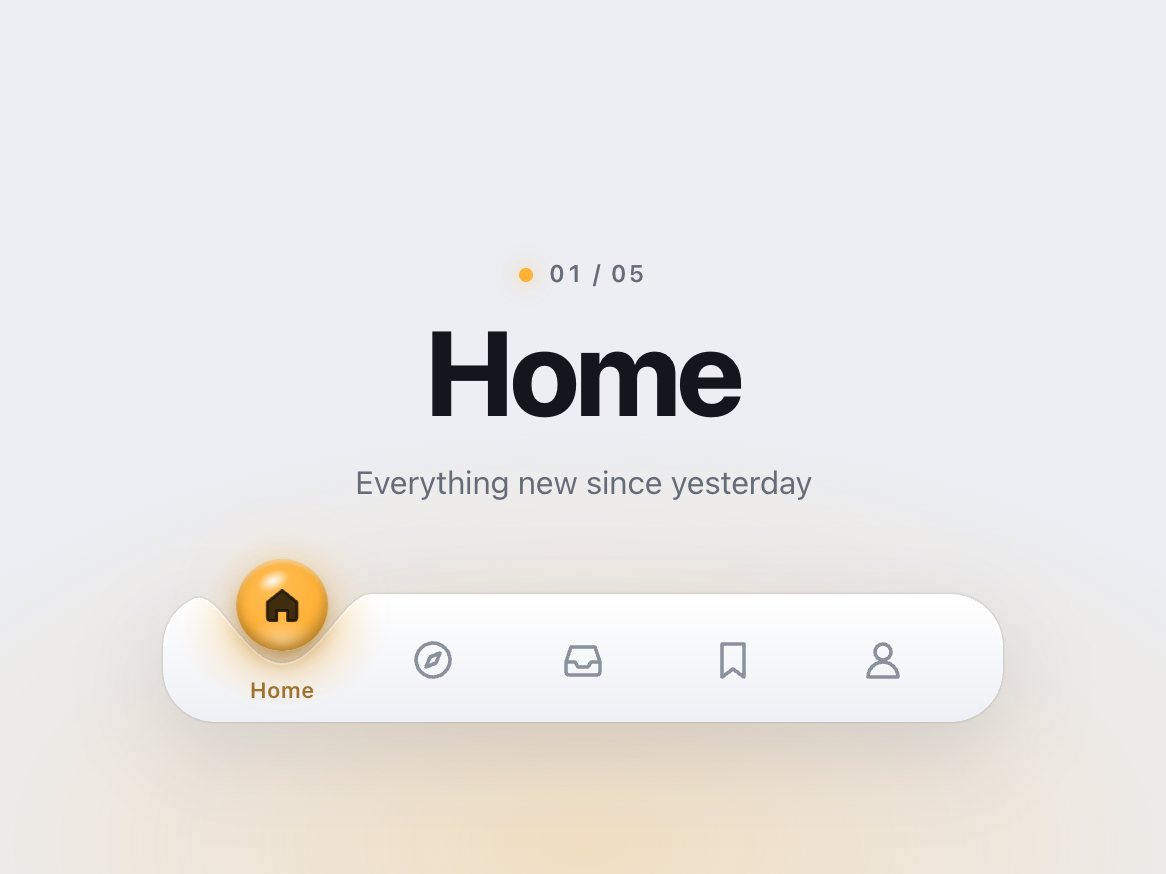
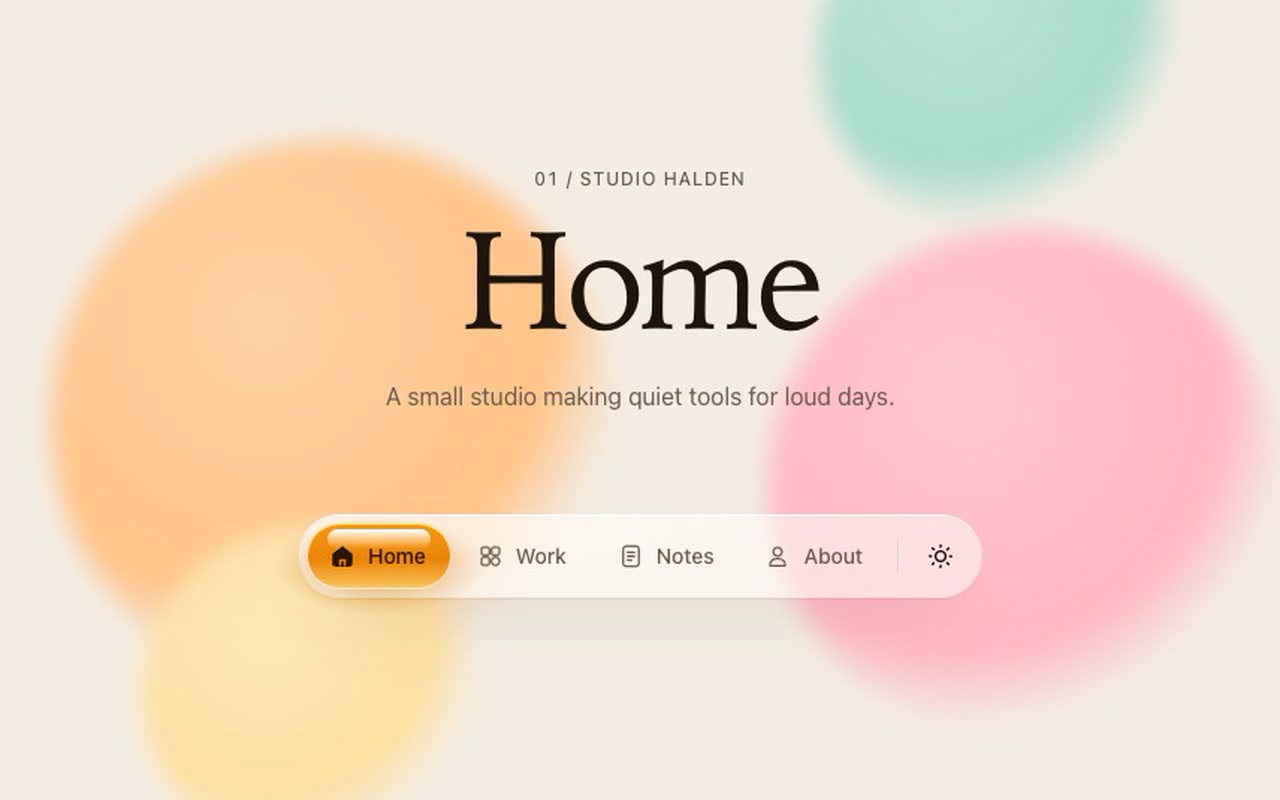
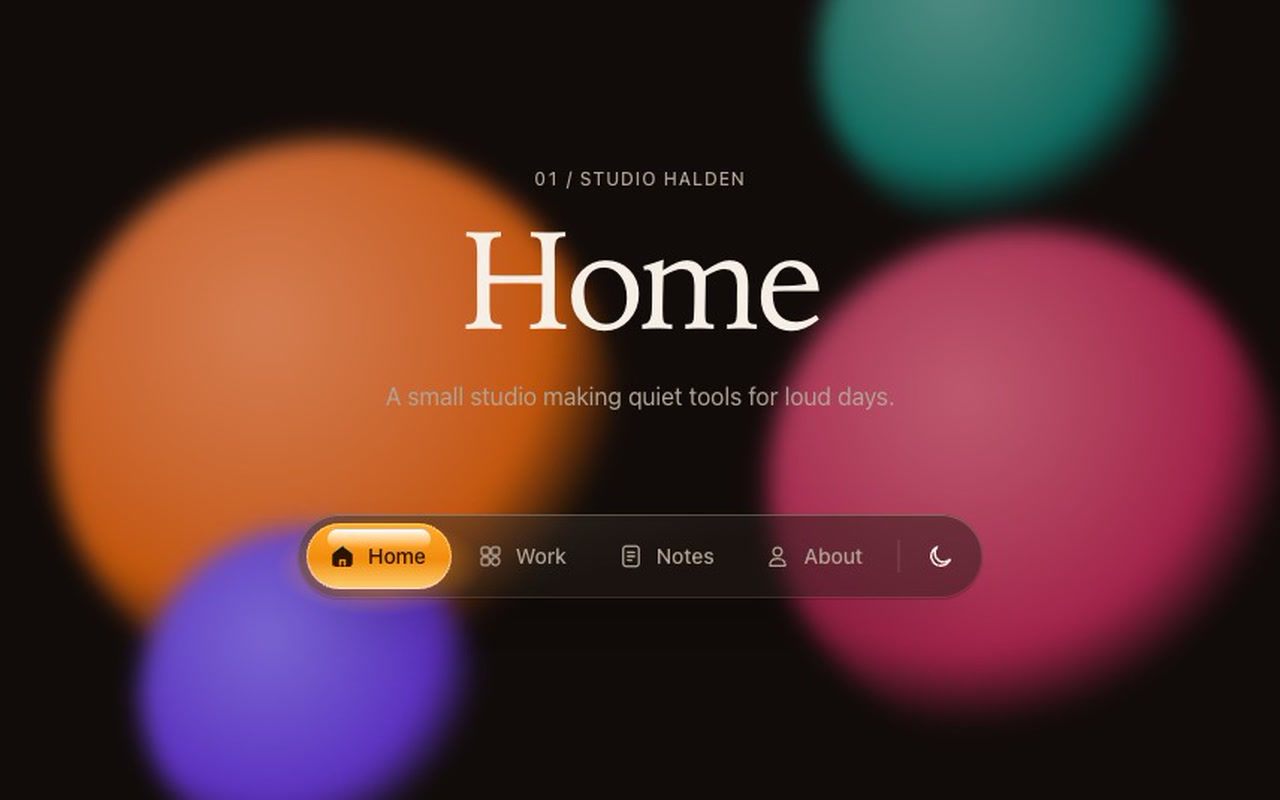
A floating frosted-glass navigation bar with a pool of glossy amber liquid under the current link and a sun / moon theme switch at the end. Choose another link and the liquid doesn't slide, it pours: the front runs ahead to the new link while the rest clings for a moment, then follows through a neck that stretches and thins. On a short hop the neck holds and the liquid flows over in one piece. On a long hop it snaps, what's left rolls into a drop, chases the pool and lands in it, and the pool wobbles once. Labels and icons are dyed dark exactly where the liquid touches them, so you can watch the drop pass over a word. The liquid has a gloss band on top, a brighter base as if lit through, and casts a warm glow on the glass.

Good for
The main menu of a website, portfolio, studio or product site; app-style web UIs that want a bar with personality.
How it works
Tap or click a link and the pour starts on press, so the bar answers instantly; the link then navigates as normal. Or grab the liquid with the mouse or a finger and drag it: the pool stays under the pointer 1:1 while a neck and a drop trail behind, it stretches and resists past the ends, and on release it keeps your speed and settles on the nearest link (a quick flick moves it on). Click again mid-pour and the liquid turns from wherever it is. Hover a link with a mouse and the pool leans a few pixels toward it. The theme button flips your page between light and dark.
How to use
Copy two files, paste the markup, call init(). Your links stay ordinary <a href> links; onChange reports the new one. Swap in your own icons on a 24px grid.

Specs

Price
$12, one payment
Version
1.0.0
Code size
9.2 KB gzipped
Dependencies
None
Built with
HTML, CSS, JavaScript, SVG
Category
Navigation
Licence
Unlimited personal and client projects
In the zip
  • siphon.css siphon.jsthe component
  • index.htmla plain example page
  • README.mdsetup, CSS variables, options, icon guide, React notes
  • package.json vite.config.js npm install npm run dev
  • LICENSE.md

Use it in your project

  1. Copy siphon.css and siphon.js into your project.
  2. Add the markup from index.html (the block between the COMPONENT comments).
  3. Start it:
import { init } from './siphon.js';
const siphon = init(document.querySelector('.siphon'), {
  onChange: (index, value) => console.log(index, value),
});

Mark the current page's link with aria-current="page". Each link's data-value is passed to onChange. The links are ordinary <a href> links: the highlight starts pouring on press and the browser still follows the link on click. The liquid can also be grabbed: press anywhere on the links and drag sideways, and the pool follows your finger or mouse 1:1 while the rest of it trails behind; let go and it settles on the nearest link, carried a little further by a throw. A drag never follows a link. In a single-page app, call event.preventDefault() in your own click handler and route as usual.

Questions

What exactly do I get?

The full source, an example page and a README. No account, no framework.

Can I use it in client projects?

Yes, in unlimited projects. You can't resell or share the source itself.

Is the liquid a video or an image?

Neither. It is one SVG path rebuilt every frame from two springs, so it follows every click, even a change of mind halfway.

Can I change the colour?

Yes. Three CSS variables set the liquid from top to bottom; one more sets the label colour on it. Make it honey, mint, cherry or your brand colour.

Can I use my own icons?

Yes. Inline SVG on a 24px grid. Give the silhouette class="siphon-shape" and inner lines class="siphon-cut"; the README shows the pattern.

Do I have to use the theme switch?

No. Pass theme: false or delete the button. If you keep it, it sets data-theme on <html> and tells you through onTheme.

Is it keyboard accessible?

Yes. It is a nav of real links: Tab to them, Left / Right / Home / End to move, Enter to follow. The current page is marked with aria-current="page".

Light and dark?

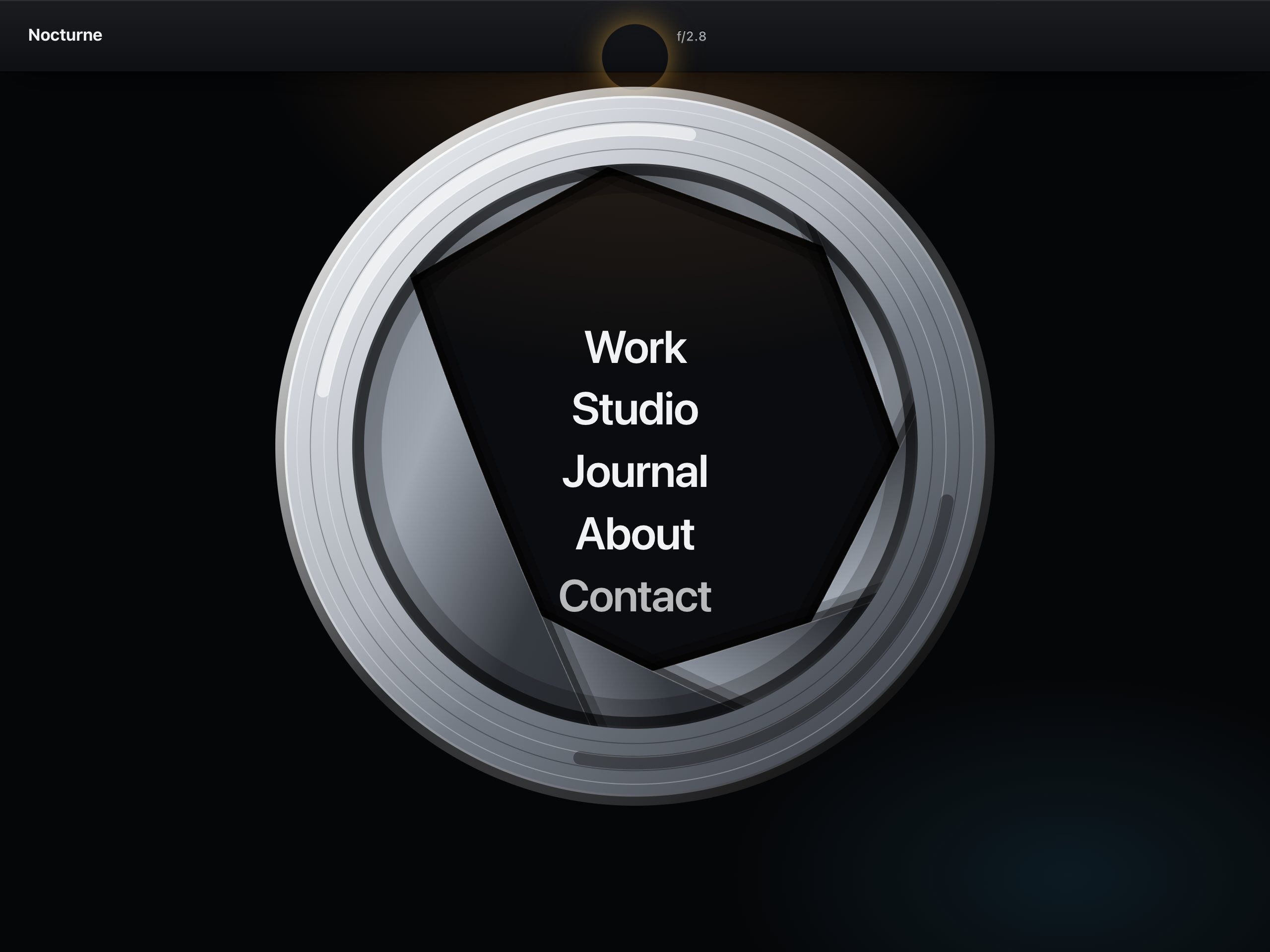
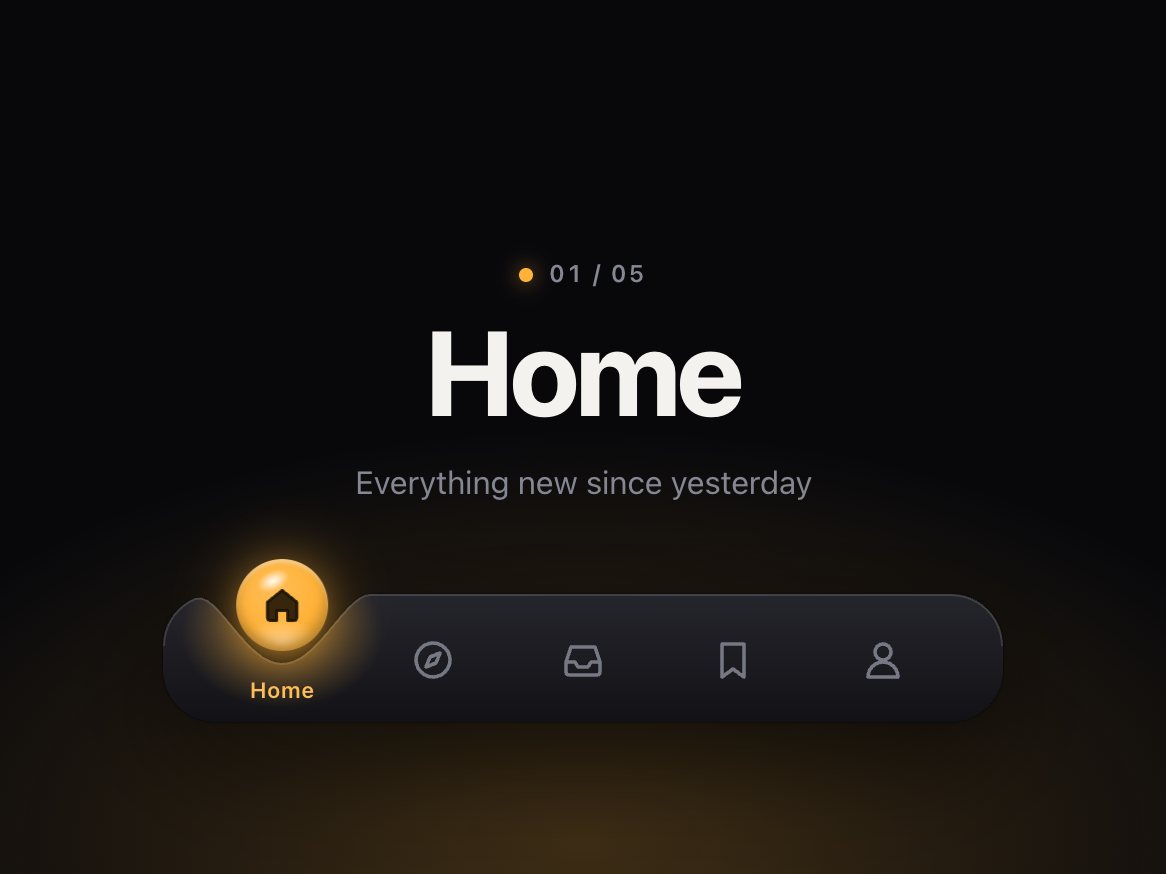
Both are designed: warm white glass by day, smoked glass at night, each with its own liquid shade. With no theme set it follows the system setting.

Reduced motion?

The liquid crossfades to the new link instead of pouring. Keyboard changes crossfade too. With reduced transparency the glass turns solid.

Can I drag it?

Yes, with a mouse or a finger. Dragging moves the liquid and picks the link where you let go; it never opens the link, so a swipe can't navigate by accident.

Does it work on phones?

Yes. It responds on touch-down, you can swipe the liquid along the bar, vertical swipes still scroll the page, and under 440px the labels hide so the bar shows icons only and fits a 320px screen.

What if it doesn't work for me?

If it doesn't work like the demo, you get a refund within 14 days.

Still have a question? Email us. The person who made it answers.

Your cart

Your cart is empty. Browse components

Full screen